Choosing data governance software means deciding where another important set of information will live: your findings, permission records and evidence about sensitive business data.
With DataScope, the platform runs on your own server. Your organization controls the environment where governance happens, from the selected scan targets to the decisions made after a finding.
Keep governance inside your environment
DataScope’s On Premises edition runs inside your network. Customer files, findings, access evidence and governance records stay in your environment. On Premises operation does not require an external AI runtime or cloud login.
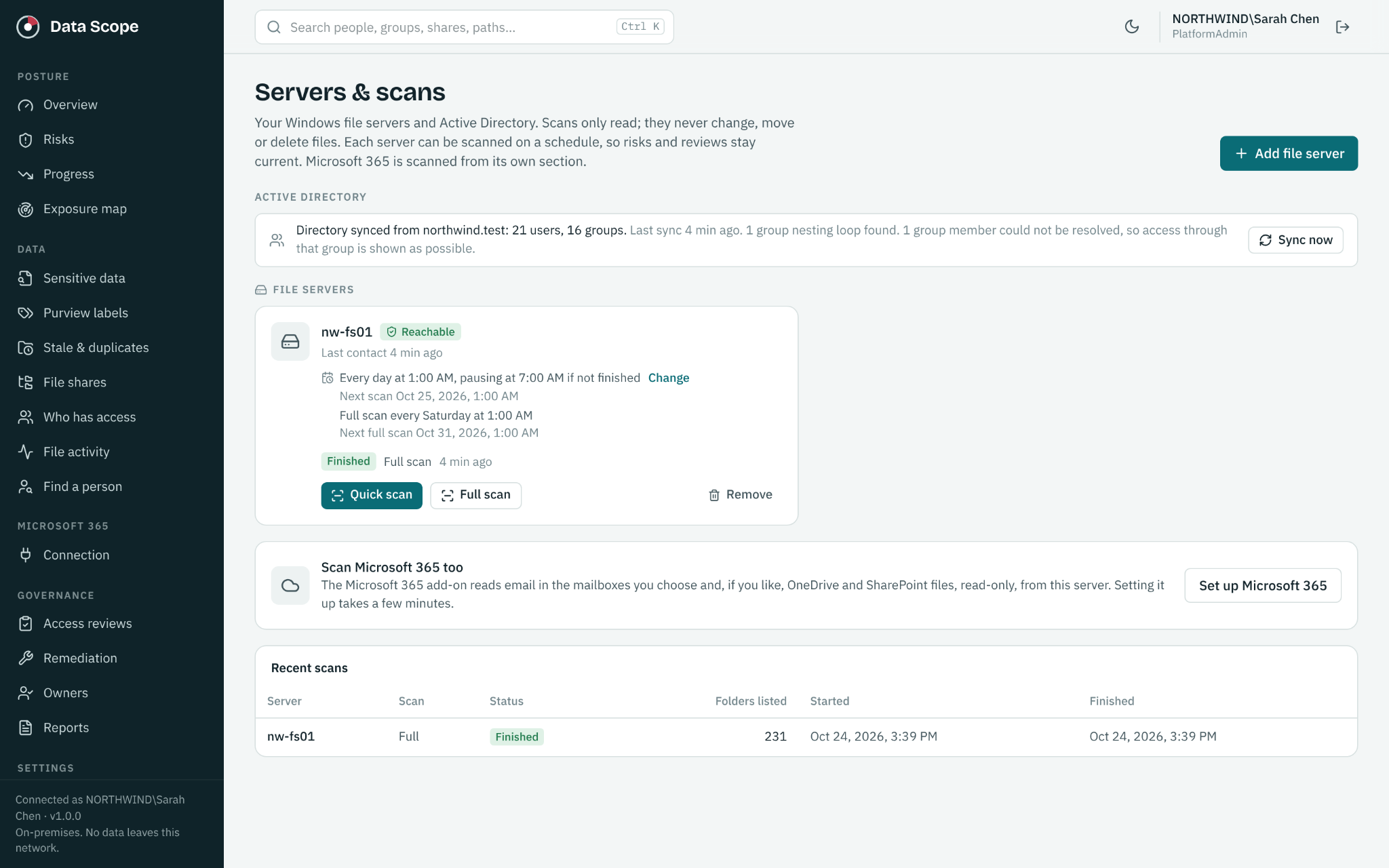
Your team controls the server and scanning configuration. Use a scan account with the permissions needed for the selected work, define the scope and schedule, and configure exclusions and throttling around business operations.
When you add Microsoft 365 coverage, DataScope connects to selected tenant sources using the corresponding permissions. The platform still runs on your server, while Exchange Online, SharePoint and OneDrive remain Microsoft 365 services. This is local deployment of the governance platform with connections to the cloud sources you choose.
Keep decisions in your team’s hands
DataScope uses read only access to customer content, Windows permissions and Active Directory. Finding unnecessary access does not automatically remove it.
Your administrators review and implement approved changes. DataScope records the follow up and checks newer scan evidence to help verify the outcome. Business owners can participate through structured access reviews, keeping the decision connected to its business purpose.
The same principle applies to email cleanup. Mailbox owners can receive masked findings and links to affected messages in Outlook. They review and clean up messages themselves; DataScope does not move or delete their email.
Understand what was inspected
A useful governance report needs to show its limits. DataScope keeps partial, unsupported, excluded and unreadable areas visible. Encrypted content that cannot be inspected is identified as uninspected.
That context helps distinguish a location with no detected findings from a location that could not be fully examined. It gives your team a clearer basis for prioritizing follow up and discussing risk.
Turn visibility into a repeatable process
DataScope connects discovery with ownership, access reviews and remediation. Progress reporting tracks exposure, risks, labeling gaps, coverage and follow up over time.
Authorized administrators can search collected records associated with a person to support personal data request investigations. Searches require a reason and are audited. They use collected records rather than performing a fresh search of every file’s contents.
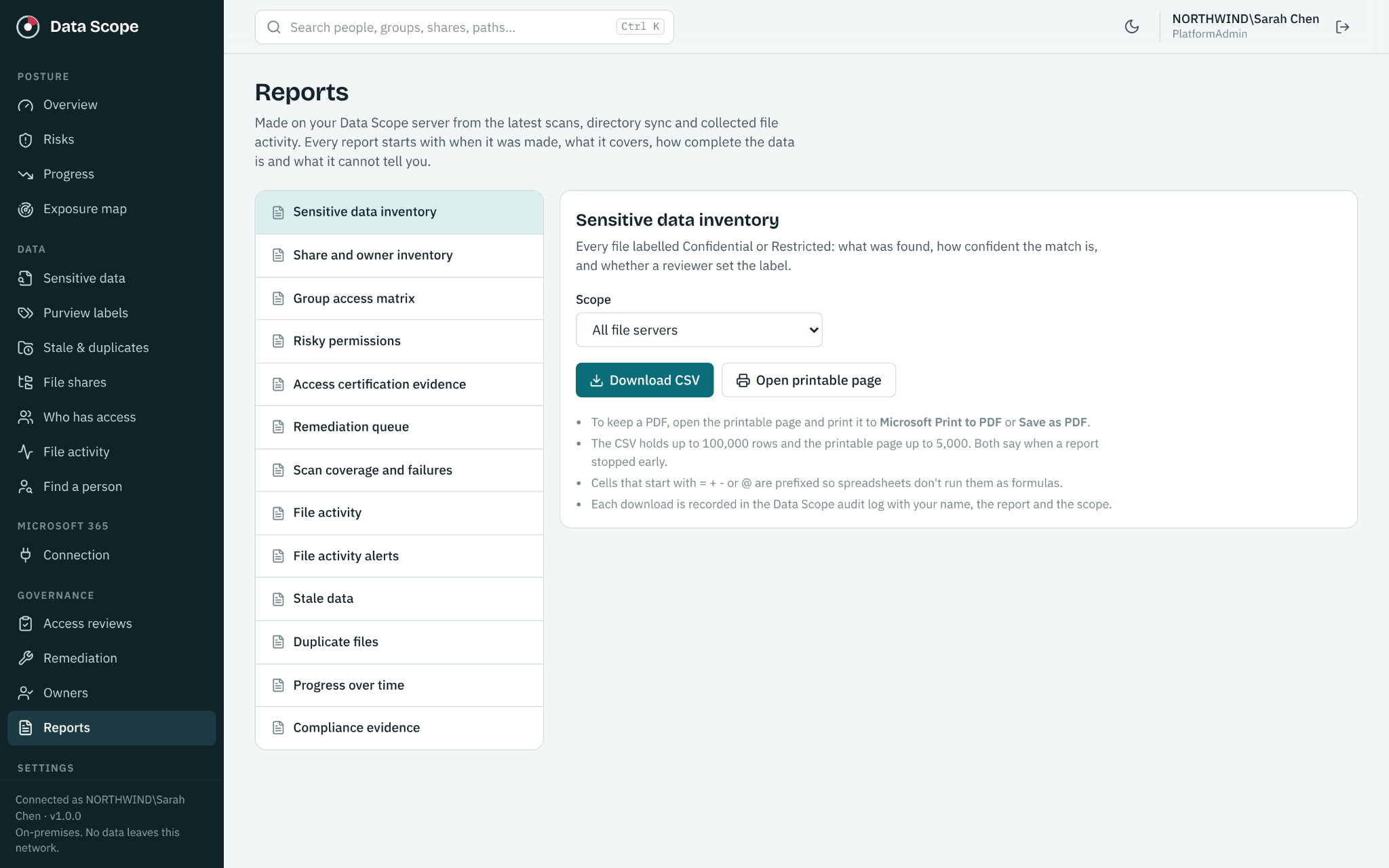
Compliance evidence reporting helps organize findings and coverage gaps for review against your selected standards. Your organization defines its requirements and controls; the reports support that work without certifying compliance.
Questions to discuss before deployment
- Which Windows shares and Microsoft 365 sources should be included first?
- Who will administer the server and protect access to governance records?
- Which permissions and collection settings are needed for the selected features?
- When should scans run, and which locations should be excluded?
- Who will own review decisions and implement approved changes?
Start with a manageable scope, then expand as owners and processes are established. Read our guide to finding sensitive data on Windows file shares for a practical starting point.
Control the platform and plan the cost
DataScope combines local deployment with per user annual licensing. On Prem has a $5,000 annual minimum; On Prem with Microsoft 365 has a $10,000 annual minimum. Support and updates are included. See pricing examples and the governance feature overview, or calculate your current subscription estimate.
The result is a governance process your team can operate, review and explain within an environment you control.
See your next step in DataScope
Explore sensitive data, access and review workflows using sample data. No signup or connection to your environment is required.