DataScope
How to Find Sensitive Data in Exchange Online Mailboxes
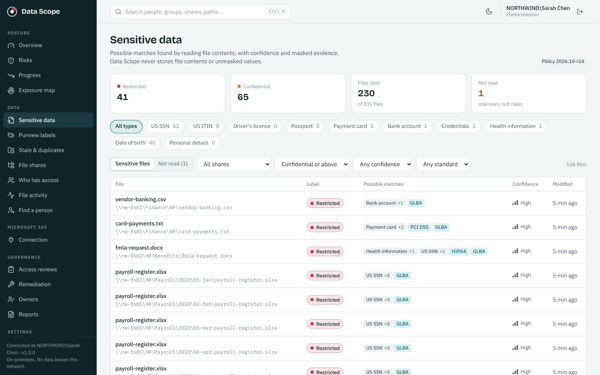
Find sensitive email and attachments with DataScope. Give mailbox owners masked findings, review delegate access and verify cleanup with later scans.
Read guidePractical cybersecurity guides, including DataScope resources on sensitive data discovery, Active Directory access, and owner reviews.
Find sensitive email and attachments with DataScope. Give mailbox owners masked findings, review delegate access and verify cleanup with later scans.
Read guideCompare sensitive data findings with embedded Microsoft Purview labels. Use DataScope to prioritize missing labels and mismatches for your team to review.
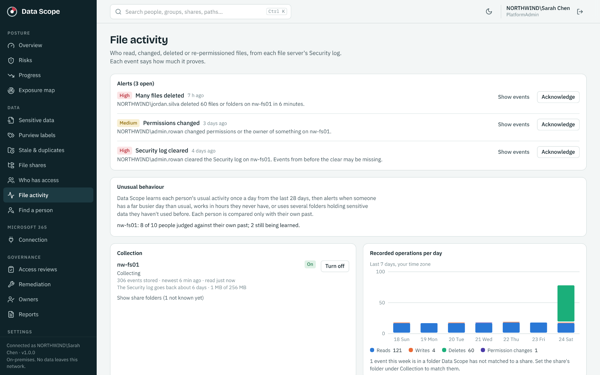
Read guideReview file reads, writes, deletes and permission changes with DataScope. Investigate unusual activity and understand the limits of collected event evidence.
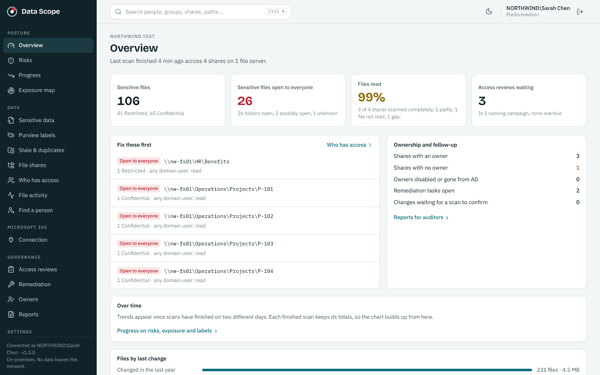
Read guideDiscover how DataScope connects sensitive data discovery, permissions and access reviews on your own server, with clear annual pricing for small IT teams.
Read guideKeep DataScope on your own server. Discover sensitive files, control scans and review access while keeping governance decisions with your team.
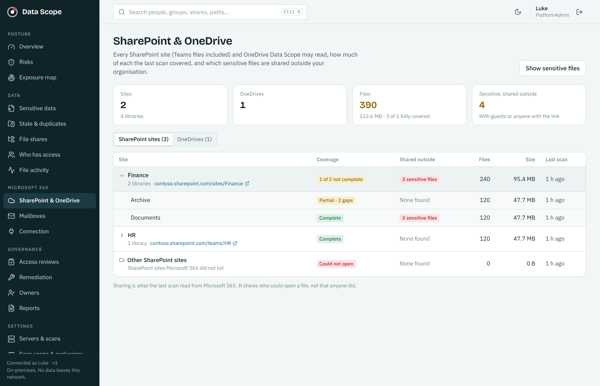
Read guideUse DataScope to review sensitive data, external sharing, Copilot readiness and Purview label gaps across Exchange Online, SharePoint and OneDrive.
Read guideLearn how a data access review connects sensitive information, permissions, business ownership, and follow up.
Read guideA practical approach to locating sensitive information, understanding who can reach it, and prioritizing a review.
Read guideUnderstand why group membership is only part of the picture and how to review Windows file share access with business context.
Read guideRecognize scareware, avoid the trap, and know when to ask for help.
Read guideUnexpected sign ins, account changes, and unusual messages can point to a security issue.
Read guideA practical explanation of prevention, investigation, and managed response.
Read guideReduce exposure from reused passwords, phishing, and insecure account practices.
Read guideProtect your business network and make better decisions when working away from the office.
Read guideStrengthen account security and reduce the risk of fraudulent messages and payment requests.
Read guideFocus a limited budget on the accounts, devices, and information your organization depends on.
Read guideKeep control of the domain behind your website, email, and business identity.
Read guideA guide to installing SentinelOne on macOS and reviewing the required permissions.
Read guideGet started with SentinelOne onboarding and agent installation.
Read guideLearn about protecting a ZIP archive before sharing files.
Read guideUnderstand email encryption options in Outlook and Microsoft 365.
Read guide